Categories
Product photography starts with category details.
A small reflective ring and a printed skincare bottle should not share the same reference checklist. Choose a category to get a focused brief, relevant source-image guidance and a saved canvas for the resulting campaign concept.
Open the AI image editor ↗Choose your next step
Categories
Jewelry: give small details enough space.
Bring a sharp close-up for the piece itself. A separate on-body image can explain scale, while another reference can describe the lighting or metal finish. Make the construction visible before asking for a new scene: tiny settings, clasps and engraving are easy for a generative model to reinterpret.
- Compare the number and placement of stones with the source.
- Check prongs, chain links, earring backs and fastening details.
- Distinguish a lighting reflection from a change in the metal or gemstone.
- Use an on-body reference only when you have permission to process it.
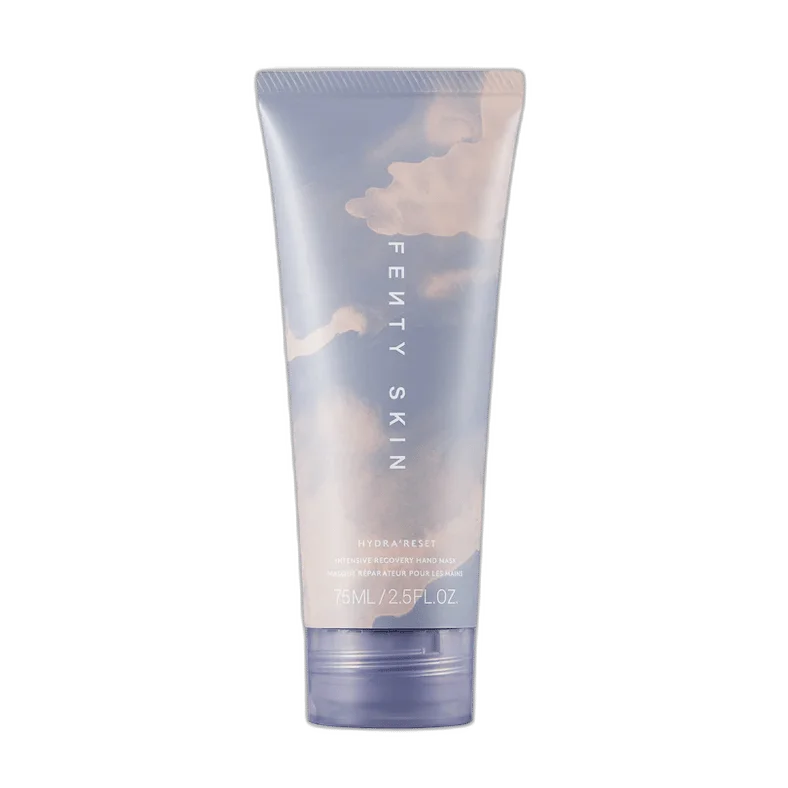
Skincare: treat packaging text as a product feature.
Use a front view with readable packaging and an angled view that explains the shape of the bottle or tube. Keep cream, gel or liquid texture in a separate reference. A generated scene can help explore a campaign direction, but small label text and the dispenser still need a direct comparison with the original.
- Check the brand lettering, ingredient text and package proportions.
- Compare cap shape, pump placement and nozzle direction.
- Describe the surface, light and atmosphere separately from the formula texture.
- Add campaign copy on the canvas when it needs to remain editable.
Build a repeatable review process.
Open the category guide, upload the actual product and assign reference roles. Generate a single direction with Seedream or Nano Banana, then inspect the saved original. Reusing references can help maintain a visual direction across requests, but it is not a guarantee of product reconstruction. Keep source and result together on the shared canvas so another reviewer can see what changed.
- Start from your own source photograph rather than an unrelated sample product.
- Choose the output size and read the allowance estimate before generation.
- Use editing and viewing links according to the access a reviewer needs.
- Download the original result or export the actual canvas as PNG or JPG.
Before choosing
Categories questions
Which product categories have dedicated guides?
The current category guides cover jewelry and skincare. Each includes a different input checklist and review process. For another product type, start with Product scene photos and adapt the brief to the details of your item.
Are the category illustrations generated photographs of my product?
No. Guide illustrations explain the workflow. The homepage separately labels an actual generated example; your own output is created only after you upload references and confirm a generation request.
One shared workspace
Turn a reference into a clear direction.
Bring your images, arrange the canvas and share the next step.
Open the editor preview Generate with Seedream 5 Pro or Nano Banana, then edit and export. Shared preview allowance applies.